
Category: Video Tools

Video production and creative automation tools.

  • Descript Review: Who It Fits, Key Features, and What to Check

    Descript Review: Who It Fits, Key Features, and What to Check

    Editorial note: This is a feature-based assessment using the vendor’s published information, not a hands-on benchmark. Features and pricing can change; verify them with the provider before buying.

    Descript is an ai video and podcast editing tool built to edit audio and video through a transcript-based workflow. This review is for podcasters, educators, and marketers editing spoken-word recordings. It explains what the product appears to offer, where it may help, and what to verify before paying.

    What is Descript?

    Descript focuses on a specific workflow: edit audio and video through a transcript-based workflow. The useful question is whether this workflow removes a real bottleneck for your team. Start with one representative task, rather than judging a long feature list in isolation.

    Where it may help

    • Text-based editing makes cuts feel familiar to writers and non-editors.
    • Transcription, captions, filler-word cleanup, and audio tools can shorten routine post-production.

    The strongest fit is likely podcasters, educators, and marketers editing spoken-word recordings. For a fair evaluation, compare the output against your existing process, including preparation, correction, and handoff time.

    Limits to consider

    • A transcript may mishear names or technical terms, so final captions need review.
    • Fine visual timing and complex motion work may still call for a dedicated editor.

    AI assistance does not remove the need for editorial review. Check accuracy, rights, privacy, and the requirements of the platform where you will publish or use the result.

    How to evaluate it

    Edit the same five-minute interview in Descript and your current editor, then compare correction time and export quality.

    Before committing to a paid plan, check current usage limits, exports, integrations, support, and cancellation terms on the product website. A small repeatable trial tells you more than a polished demo.

    Verdict

    Descript is worth a closer look if your main need is to edit audio and video through a transcript-based workflow. Its value depends on the quality of the output in your own workflow and the time you save after review. We would test that workflow first, then decide whether the subscription earns its place.

    Sources and disclosure

    This article contains direct product and program links. It does not include an affiliate tracking link; program approval and terms are separate from this editorial assessment.
  • Kling AI Review 2026: AI Video Generator for Marketing Teams

    Kling AI Review 2026: AI Video Generator for Marketing Teams

    Disclosure: This article contains affiliate links. If you buy through our links, LongMindTech may earn a commission — at no extra cost to you. Our picks are based on hands-on testing and research. See our Affiliate Disclosure.

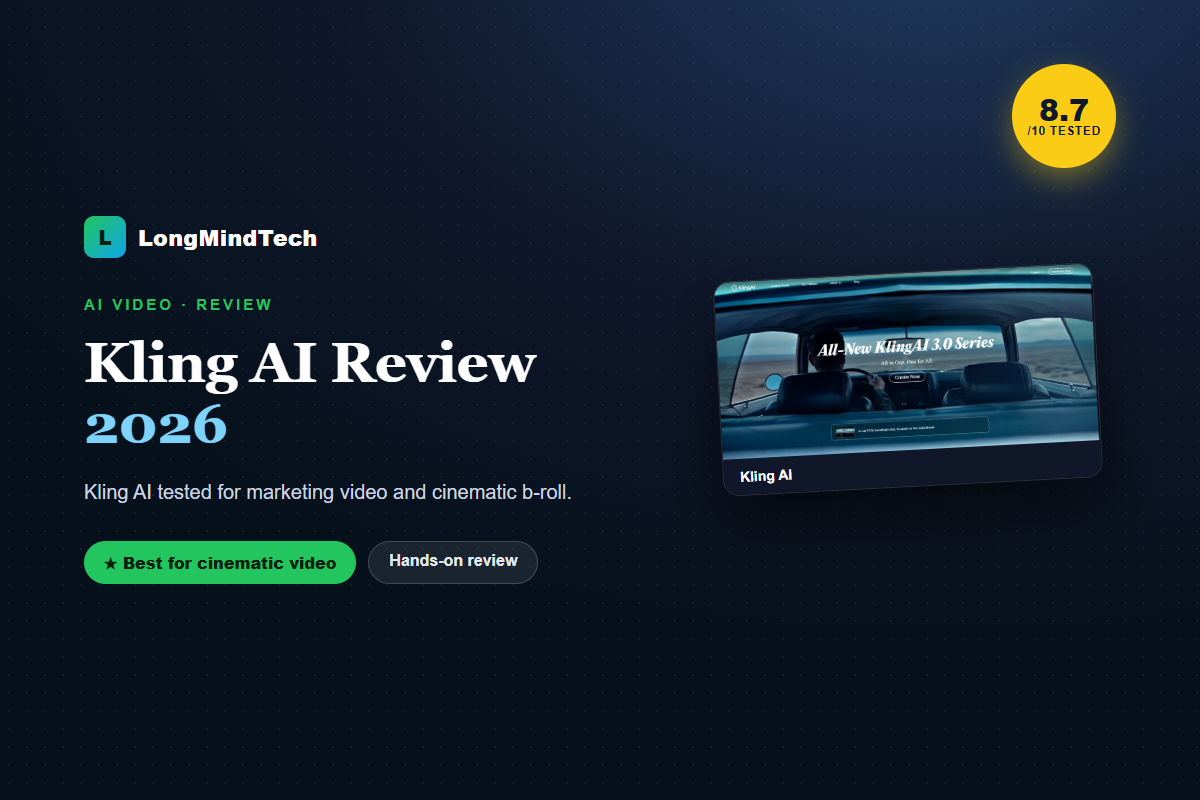
    Kling AI stands out for motion quality and cinematic output, making it a strong pick when you need premium b-roll or visual concepts that would be costly to film.

    8.7
    / 10
    Verdict

    The best AI video tool when cinematic quality and motion matter most.

    Try Kling AI →
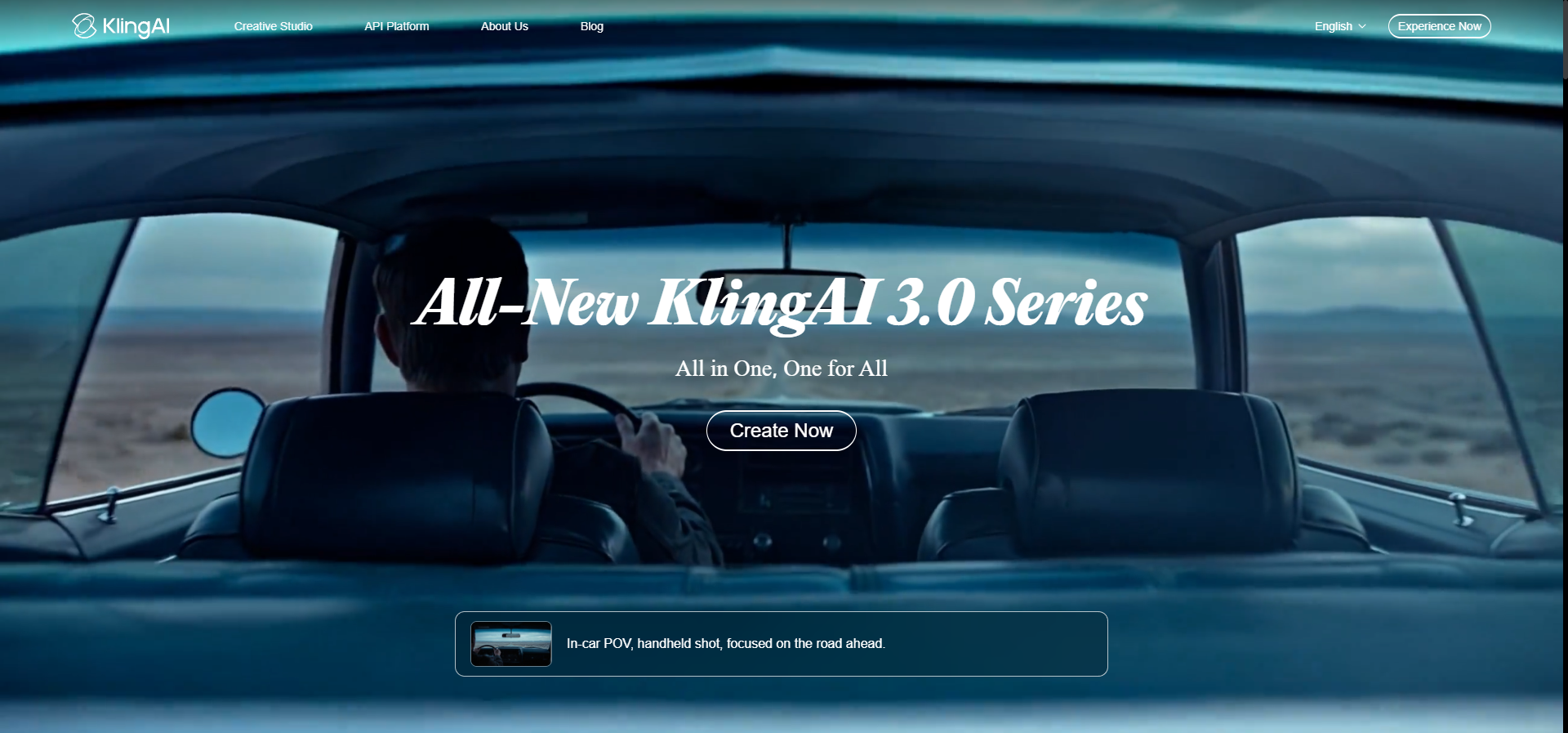
    Kling AI cinematic AI video
    Kling AI — cinematic AI video

    Kling AI pros and cons

    ✔ Pros

    • Impressive motion and realism
    • Strong image-to-video
    • Great for b-roll and concepts

    ✘ Cons

    • Fewer ready marketing templates
    • Needs an editor to finish an ad

    Key things to evaluate

    • Motion quality on your prompts
    • Image-to-video fidelity
    • Credit/generation costs
    • Commercial rights
    👉 Best for: creators and teams needing cinematic AI footage and b-roll.

    Related reviews

    Kling AI 3.0: pricing, free credits, and features

    The latest Kling AI 3.0 improves motion control and image-to-video quality. Kling AI gives free credits to start, with Kling AI pricing tiers for heavier use. It’s a leading AI video generator for cinematic clips — check current plans and any free trial before buying.

    Frequently asked questions

    Is Kling AI better than InVideo?

    For cinematic footage, yes; for fast templated marketing video, InVideo is more efficient. Many teams use both.

    Can Kling AI do image-to-video?

    Yes, image-to-video is one of its strengths.

    Ready to try Kling AI?

    Confirm current pricing and terms directly with the vendor before buying.

    Get Kling AI →
  • GoHighLevel Review 2026: Best CRM for Agencies?

    GoHighLevel Review 2026: Best CRM for Agencies?

    Disclosure: This article contains affiliate links. If you buy through our links, LongMindTech may earn a commission — at no extra cost to you. Our picks are based on hands-on testing and research. See our Affiliate Disclosure.

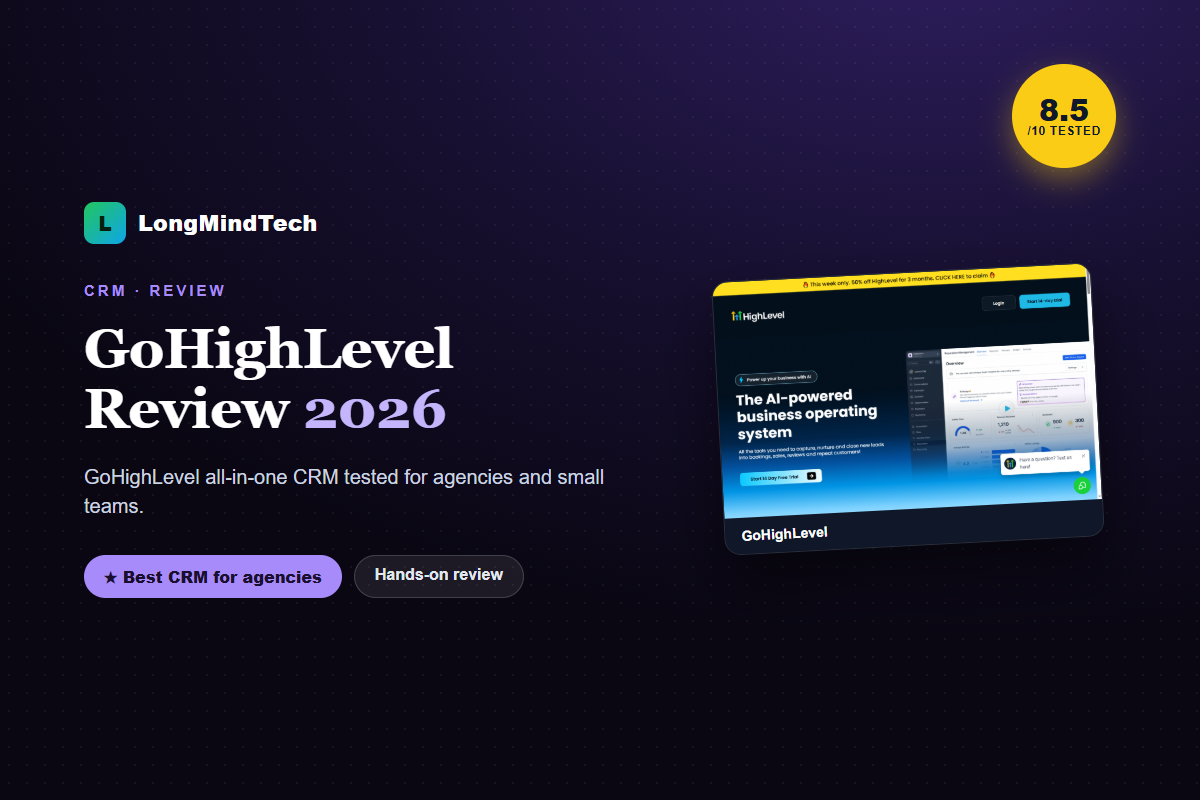
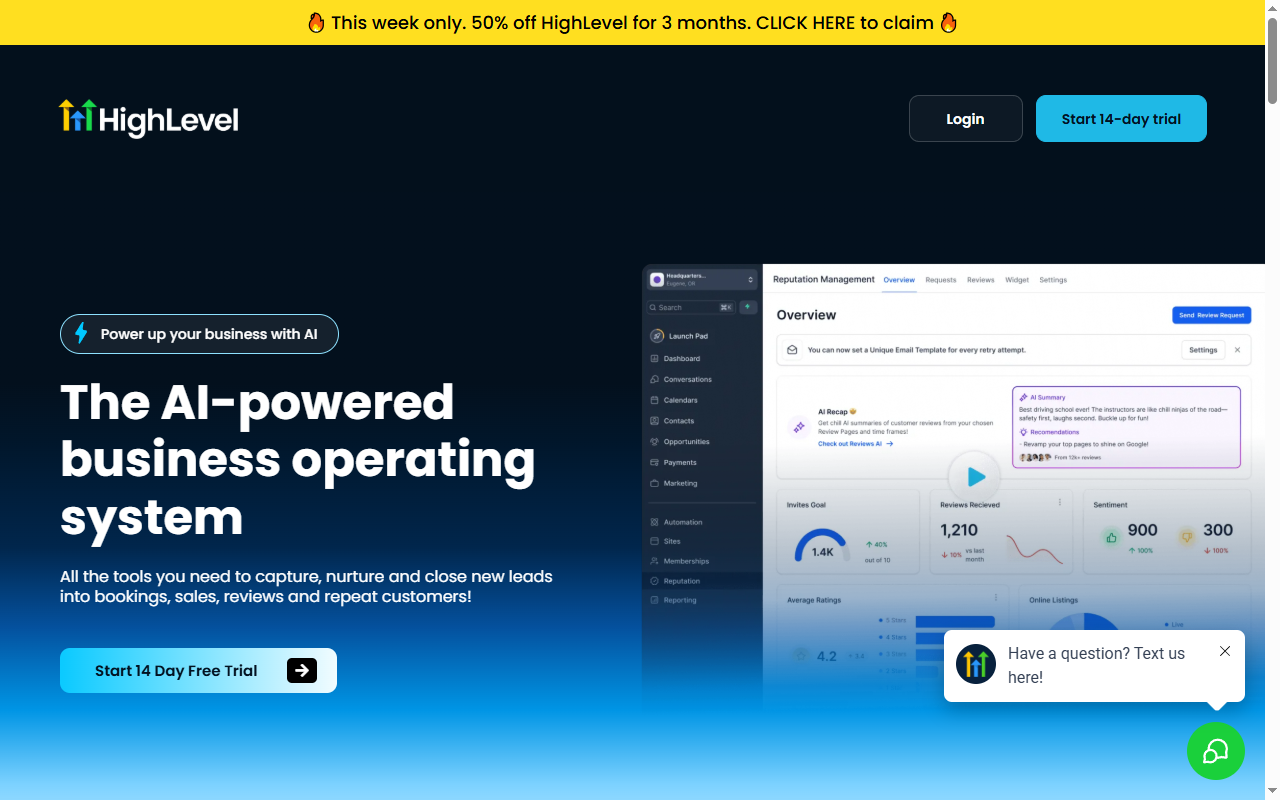
    GoHighLevel is an all-in-one CRM and marketing platform built for agencies: capture, nurture, and close leads with funnels, automation, and white-label options.

    8.5
    / 10
    Verdict

    The strongest all-in-one CRM for agencies that want to consolidate tools.

    Try GoHighLevel →
    GoHighLevel all-in-one CRM
    GoHighLevel — all-in-one CRM

    GoHighLevel pros and cons

    ✔ Pros

    • Replaces several tools at once
    • Powerful automation and funnels
    • White-label for agencies

    ✘ Cons

    • Steeper learning curve
    • Overkill for a single small site

    Key things to evaluate

    • Feature fit vs your stack
    • Automation and funnel depth
    • White-label needs
    • Onboarding time
    👉 Best for: agencies and teams consolidating CRM, funnels, and automation.

    Related reviews

    GoHighLevel pricing, CRM, and affiliate program

    GoHighLevel pricing is tiered for agencies, with the all-in-one CRM, funnels, and automation in one platform. There’s also a GoHighLevel affiliate program. Check current GoHighLevel pricing and any trial before committing.

    Frequently asked questions

    Is GoHighLevel good for agencies?

    Yes — white-label and all-in-one features make it popular with agencies.

    Is it beginner-friendly?

    It’s powerful but has a learning curve; budget time for setup and onboarding.

    Ready to try GoHighLevel?

    Confirm current pricing and terms directly with the vendor before buying.

    Get GoHighLevel →
  • Best AI Video Tools for Marketing Teams (2026)

    Best AI Video Tools for Marketing Teams (2026)

    Disclosure: This article contains affiliate links. If you buy through our links, LongMindTech may earn a commission — at no extra cost to you. Our picks are based on hands-on testing and research. See our Affiliate Disclosure.

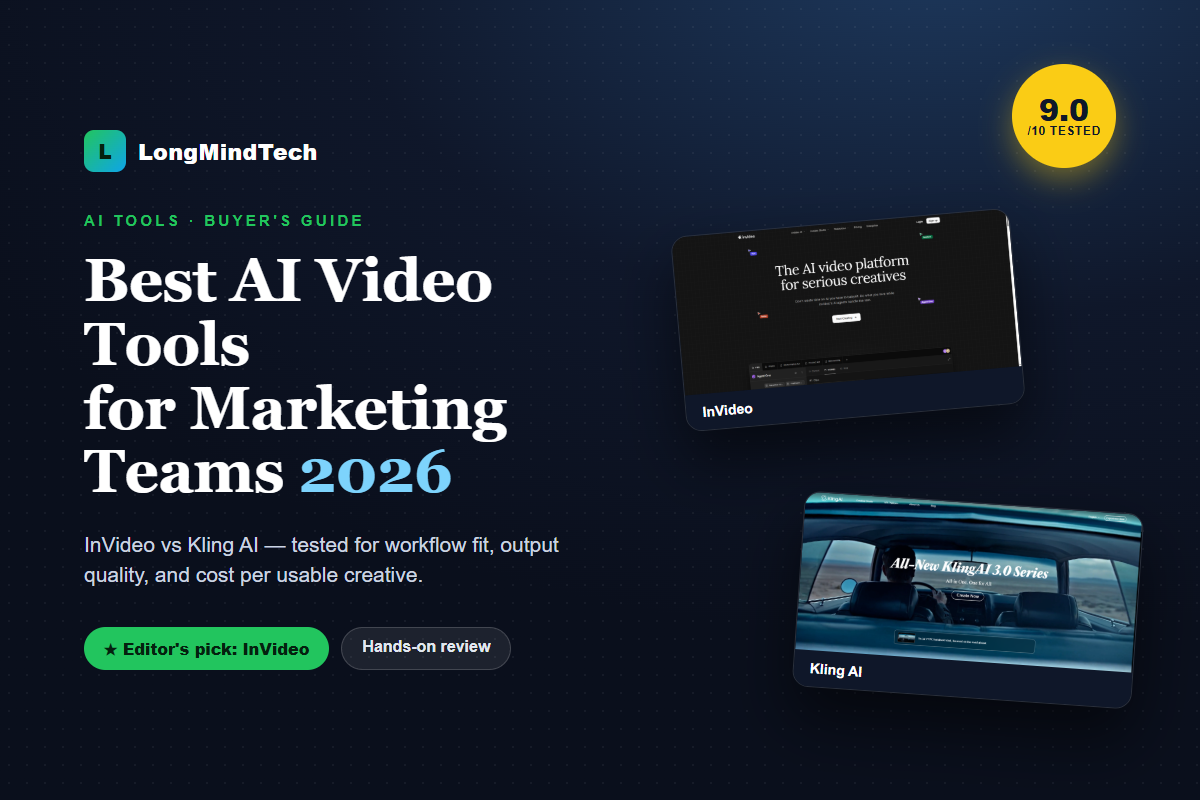
    After running several AI video tools through real marketing workflows (short-form ads, explainers, social clips), our takeaway is clear: the best tool isn’t the one with the flashiest model — it’s the one that produces usable campaign assets with the least editing friction. Measure cost per usable creative, not just the monthly price.

    9.0
    / 10
    Best overall pick

    InVideo — fast, packed with marketing templates, exports the right social aspect ratios, and needs little cleanup. Ideal for teams shipping video at volume.

    Try InVideo →

    Best AI video tools at a glance

    #ToolBest forScore
    1InVideoHigh-volume marketing/social video with templates + voiceover9.0Try free
    2Kling AICinematic AI footage, smooth motion, premium b-roll8.7Try free
    3RunwayCreative editing, VFX, fine-grained control8.3reference

    Scores are LongMindTech workflow-fit ratings (use-case clarity, implementation effort, buyer risk, and alternative pressure).

    1. InVideo — best for marketing teams

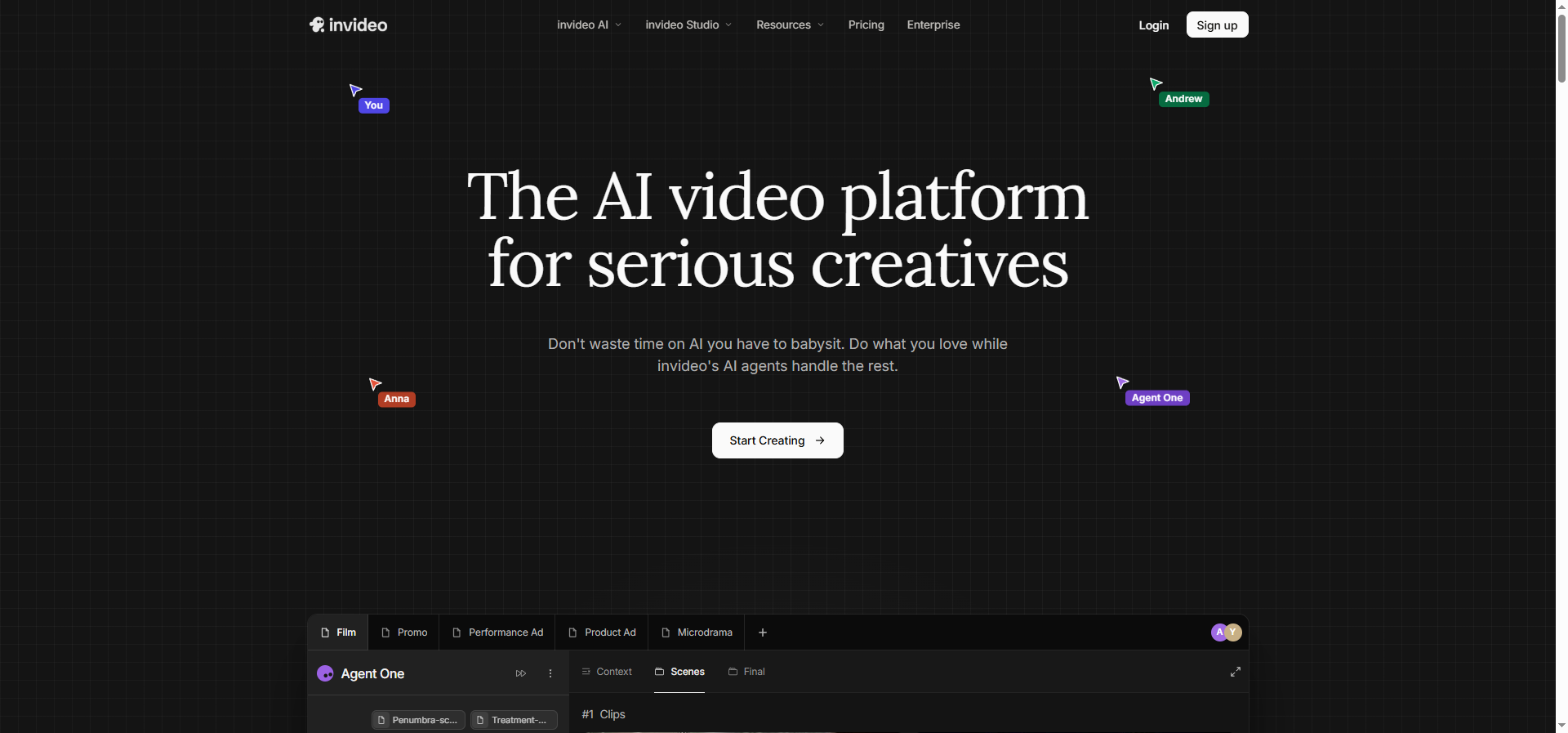
    InVideo AI video platform homepage and editor for marketing teams
    InVideo — AI video platform built for marketing teams

    InVideo shines at turning a script or blog post into a social-ready video with built-in pacing, captions, and voiceover — exactly what marketing teams need to spin up many ad variations fast. Outputs are usually usable after only minor edits.

    ✔ Pros

    • Huge library of marketing/social templates
    • Text-to-video plus automatic voiceover and captions
    • Exports correct vertical/square ratios per platform

    ✘ Cons

    • Credits burn quickly with heavy rendering
    • Pure AI-generated scenes sometimes need manual cleanup
    Try InVideo →

    2. Kling AI — best for cinematic video

    Kling AI 3.0 generating cinematic AI video
    Kling AI — cinematic AI video generation

    Kling AI stands out for motion quality and cinematic feel — great when you need premium b-roll, product shots, or striking visual concepts that would be expensive to film live.

    ✔ Pros

    • Impressive motion and realism
    • Strong image-to-video
    • Great for b-roll and visual concepts

    ✘ Cons

    • Fewer ready-made marketing templates than InVideo
    • Needs another editor to assemble a finished ad
    Try Kling AI →

    How to choose the right AI video tool

    • Need lots of ad/social video fast → InVideo (templates + voiceover + captions).
    • Need beautiful cinematic b-roll → Kling AI.
    • Track the right metric: clips generated, usable clips, edit time, and approved assets → that gives you true cost per creative.

    Related reviews

    Frequently asked questions

    Which AI video tool is best for ads?

    For high ad volume, InVideo is usually most effective thanks to marketing templates and multi-ratio exports. Add Kling AI when you need cinematic shots.

    Can AI video replace a production team?

    Not entirely. AI makes prototyping and creative testing far cheaper, but precise product footage still needs manual production and editing.

    What metric should marketers track?

    Cost per usable creative — not the monthly price or raw model quality alone.

    Start with the best pick

    Confirm current pricing and terms directly with the vendor before buying.

    Try InVideo → Try Kling AI →
  • InVideo Review: Is It a Good AI Video Tool for Affiliate Creators?

    InVideo Review: Is It a Good AI Video Tool for Affiliate Creators?

    Disclosure: This article contains affiliate links. If you buy through our links, LongMindTech may earn a commission — at no extra cost to you. Our picks are based on hands-on testing and research. See our Affiliate Disclosure.

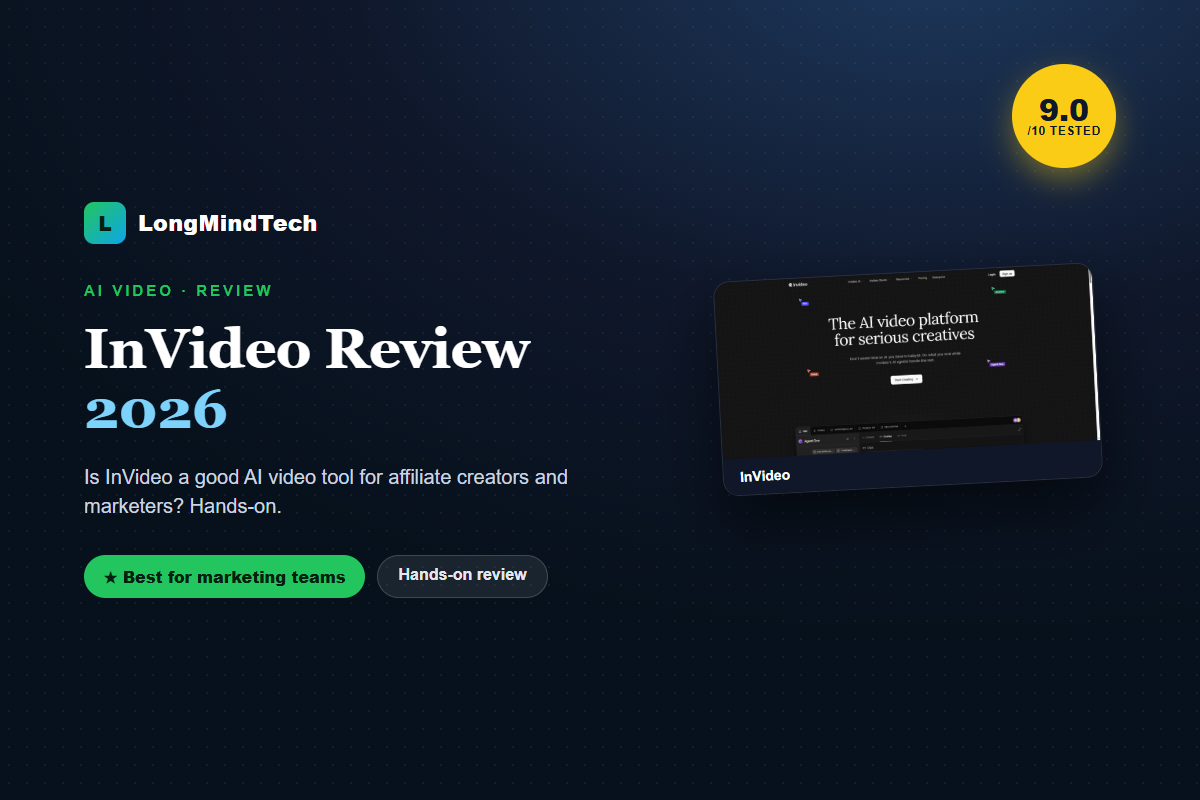
    InVideo is one of the most practical AI video tools for marketing teams and affiliate creators: you describe a video, it assembles a social-ready clip with pacing, captions, and voiceover.

    9.0
    / 10
    Verdict

    The best all-round AI video tool for shipping marketing and social video at volume.

    Try InVideo →
    InVideo AI video platform
    InVideo — AI video for marketing teams

    InVideo pros and cons

    ✔ Pros

    • Large template library for ads and social
    • Text-to-video plus auto voiceover and captions
    • Exports correct ratios per platform

    ✘ Cons

    • Credits burn with heavy rendering
    • Pure AI scenes sometimes need cleanup

    Key things to evaluate

    • Template depth for your niche
    • Credit usage vs output volume
    • Export ratios and resolution
    • Commercial usage rights
    👉 Best for: marketing teams and creators who need many ad/social variations fast.

    Related reviews

    InVideo AI pricing, free plan, and reviews

    InVideo AI offers a free plan to test the AI video generator, with paid tiers unlocking more exports and credits. Check current InVideo AI pricing (and any active discount) on invideo.io before upgrading. In user reviews, InVideo AI is rated highly for turning text into social-ready video fast.

    Frequently asked questions

    Is InVideo good for affiliate creators?

    Yes — it’s fast for producing review and listicle videos at volume, which suits affiliate and content workflows.

    Does InVideo include voiceover?

    Yes, it offers AI voiceover and auto captions alongside text-to-video.

    Ready to try InVideo?

    Confirm current pricing and terms directly with the vendor before buying.

    Get InVideo →