
Disclosure: This article contains affiliate links. If you buy through our links, LongMindTech may earn a commission — at no extra cost to you. Our picks are based on hands-on testing and research. See our Affiliate Disclosure.
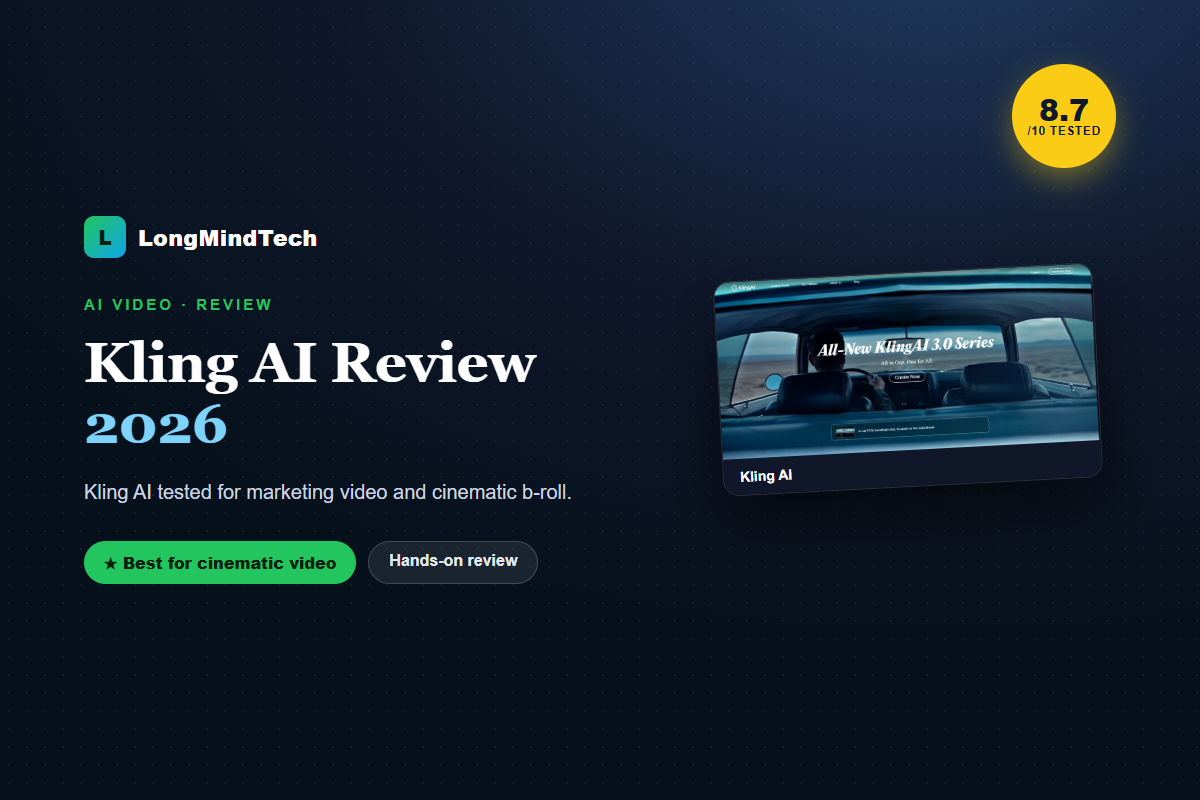
Kling AI stands out for motion quality and cinematic output, making it a strong pick when you need premium b-roll or visual concepts that would be costly to film.
8.7
/ 10
Kling AI pros and cons
✔ Pros
- Impressive motion and realism
- Strong image-to-video
- Great for b-roll and concepts
✘ Cons
- Fewer ready marketing templates
- Needs an editor to finish an ad
Key things to evaluate
- Motion quality on your prompts
- Image-to-video fidelity
- Credit/generation costs
- Commercial rights
👉 Best for: creators and teams needing cinematic AI footage and b-roll.
Related reviews
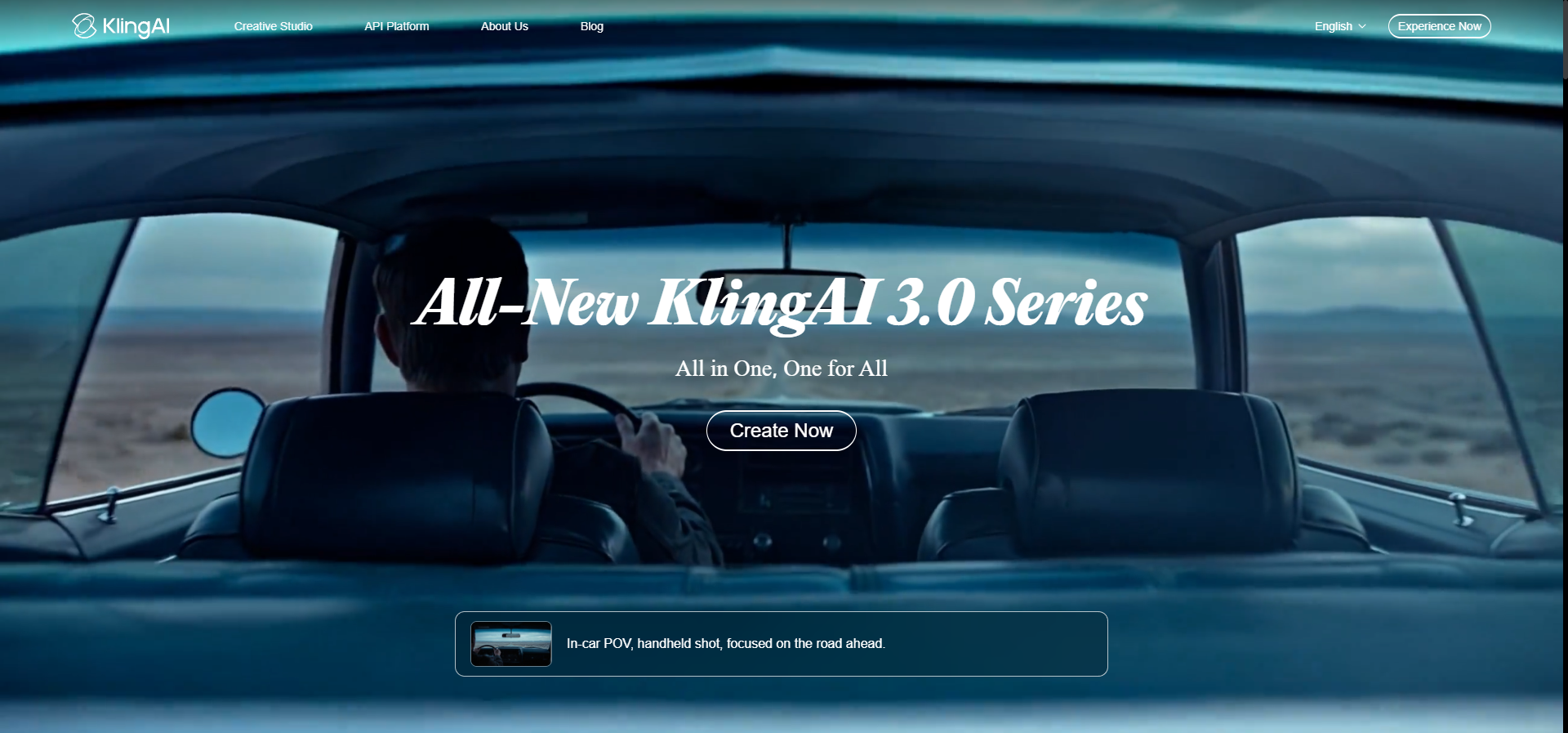
Kling AI 3.0: pricing, free credits, and features
The latest Kling AI 3.0 improves motion control and image-to-video quality. Kling AI gives free credits to start, with Kling AI pricing tiers for heavier use. It’s a leading AI video generator for cinematic clips — check current plans and any free trial before buying.
Frequently asked questions
Is Kling AI better than InVideo?
For cinematic footage, yes; for fast templated marketing video, InVideo is more efficient. Many teams use both.
Can Kling AI do image-to-video?
Yes, image-to-video is one of its strengths.
Ready to try Kling AI?
Confirm current pricing and terms directly with the vendor before buying.
Get Kling AI →