
After running several AI video tools through real marketing workflows (short-form ads, explainers, social clips), our takeaway is clear: the best tool isn’t the one with the flashiest model — it’s the one that produces usable campaign assets with the least editing friction. Measure cost per usable creative, not just the monthly price.
InVideo — fast, packed with marketing templates, exports the right social aspect ratios, and needs little cleanup. Ideal for teams shipping video at volume.
Try InVideo →Best AI video tools at a glance
| # | Tool | Best for | Score | |
|---|---|---|---|---|
| 1 | InVideo | High-volume marketing/social video with templates + voiceover | 9.0 | Try free |
| 2 | Kling AI | Cinematic AI footage, smooth motion, premium b-roll | 8.7 | Try free |
| 3 | Runway | Creative editing, VFX, fine-grained control | 8.3 | reference |
Scores are LongMindTech workflow-fit ratings (use-case clarity, implementation effort, buyer risk, and alternative pressure).
1. InVideo — best for marketing teams
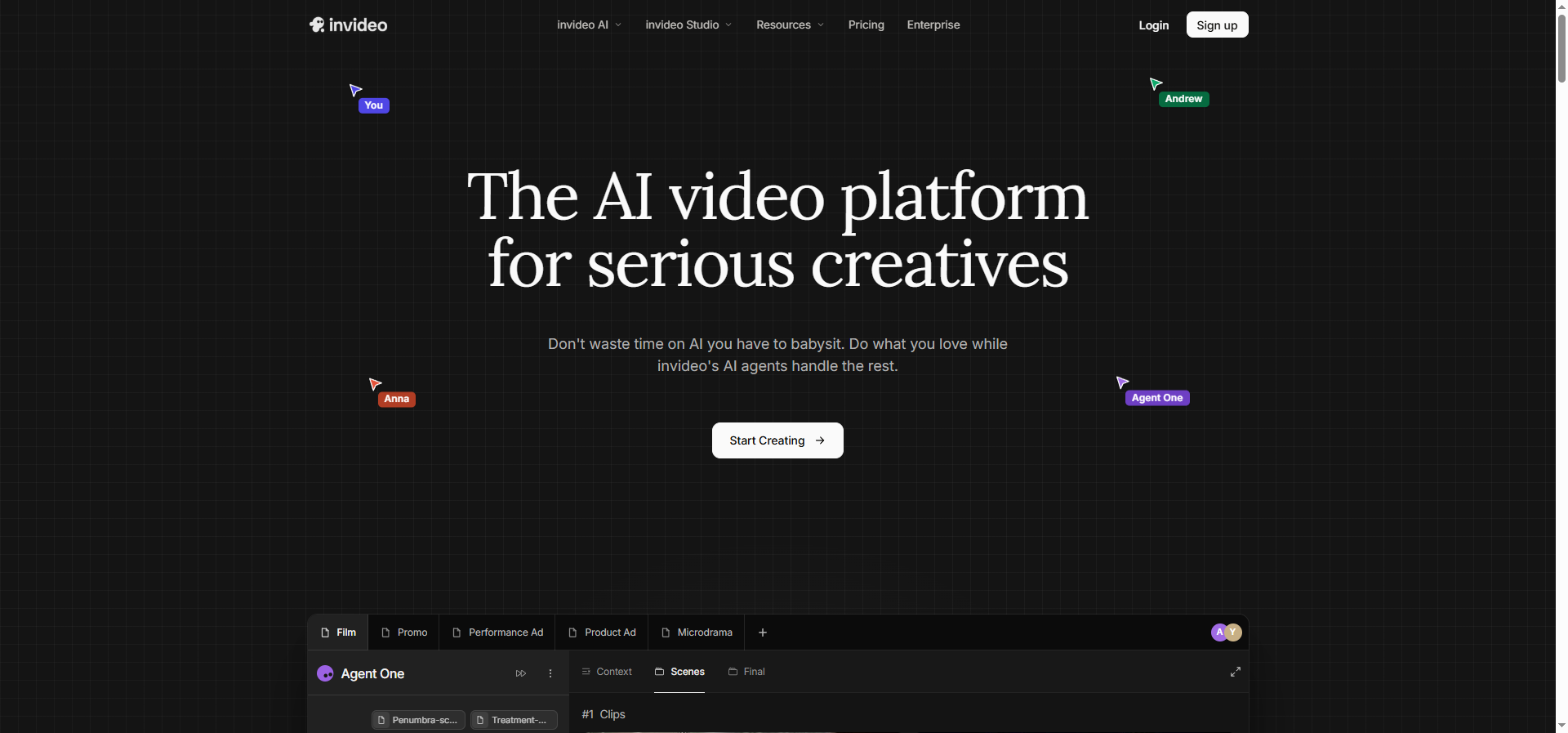
InVideo shines at turning a script or blog post into a social-ready video with built-in pacing, captions, and voiceover — exactly what marketing teams need to spin up many ad variations fast. Outputs are usually usable after only minor edits.
✔ Pros
- Huge library of marketing/social templates
- Text-to-video plus automatic voiceover and captions
- Exports correct vertical/square ratios per platform
✘ Cons
- Credits burn quickly with heavy rendering
- Pure AI-generated scenes sometimes need manual cleanup
2. Kling AI — best for cinematic video
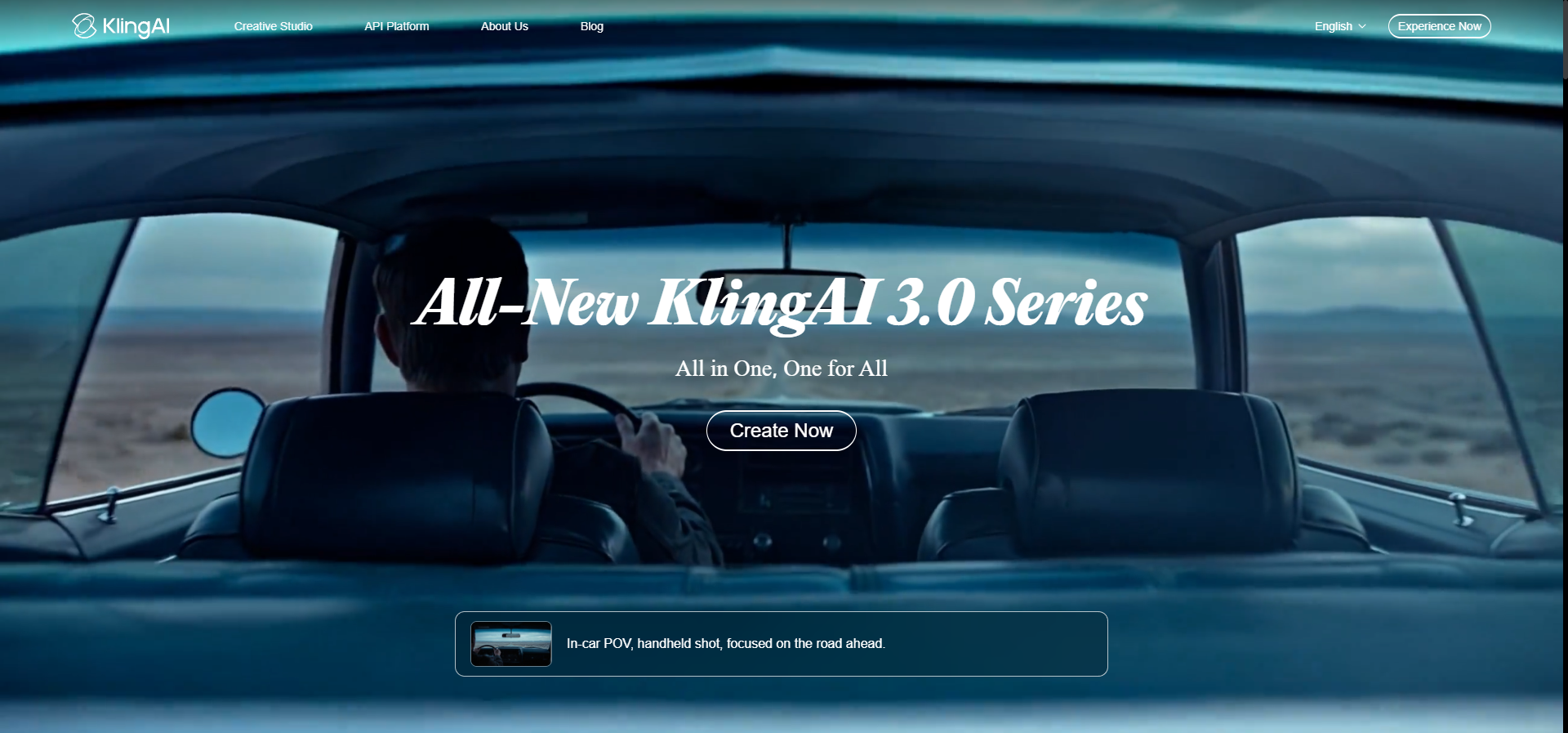
Kling AI stands out for motion quality and cinematic feel — great when you need premium b-roll, product shots, or striking visual concepts that would be expensive to film live.
✔ Pros
- Impressive motion and realism
- Strong image-to-video
- Great for b-roll and visual concepts
✘ Cons
- Fewer ready-made marketing templates than InVideo
- Needs another editor to assemble a finished ad
How to choose the right AI video tool
- Need lots of ad/social video fast → InVideo (templates + voiceover + captions).
- Need beautiful cinematic b-roll → Kling AI.
- Track the right metric: clips generated, usable clips, edit time, and approved assets → that gives you true cost per creative.
Related reviews
Frequently asked questions
Which AI video tool is best for ads?
For high ad volume, InVideo is usually most effective thanks to marketing templates and multi-ratio exports. Add Kling AI when you need cinematic shots.
Can AI video replace a production team?
Not entirely. AI makes prototyping and creative testing far cheaper, but precise product footage still needs manual production and editing.
What metric should marketers track?
Cost per usable creative — not the monthly price or raw model quality alone.
Start with the best pick
Confirm current pricing and terms directly with the vendor before buying.
Try InVideo → Try Kling AI →